Does opening a new tab in your browser feel uninspired? For many of us, the digital space is where we spend the majority of our waking hours, managing workflows, consuming information, and connecting with the world. Yet, we often settle for mundane, blank starting pages. It’s time to upgrade your digital environment.
Imagine stepping into the command center of tomorrow every time you open a new tab. This isn't just a background image; it is an immersive experience designed to instill a sense of capability, focus, and high-stakes strategy. Welcome to the Dispatch New Tab, a stunning technological marvel that places you at the heart of a cutting-edge control facility.
This article dives deep into the aesthetics, functionality, and psychological appeal of transforming your browser into a futuristic hub, exploring why this sci-fi aesthetic is more popular than ever.
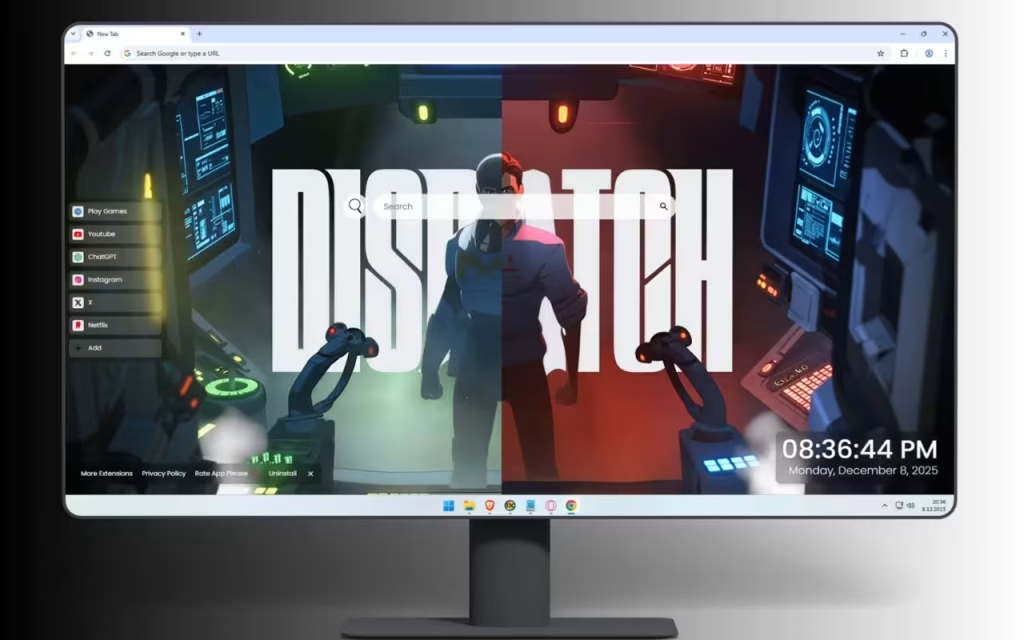
The Visual Language of Command: Deconstructing the Scene
The core of the Dispatch experience is its breathtaking visual composition. It captures a moment thick with tension, where crucial decisions are made and information flows like digital lifeblood.
Contrasting Realities: Red vs. Blue
At the center of this technological marvel stands a mysterious operative, a silhouette against bold typography. But what truly defines the atmosphere is the dramatic lighting. The scene is a masterclass in contrasting illumination, creating a perfect visual harmony that splits the room into distinct operational zones.
-
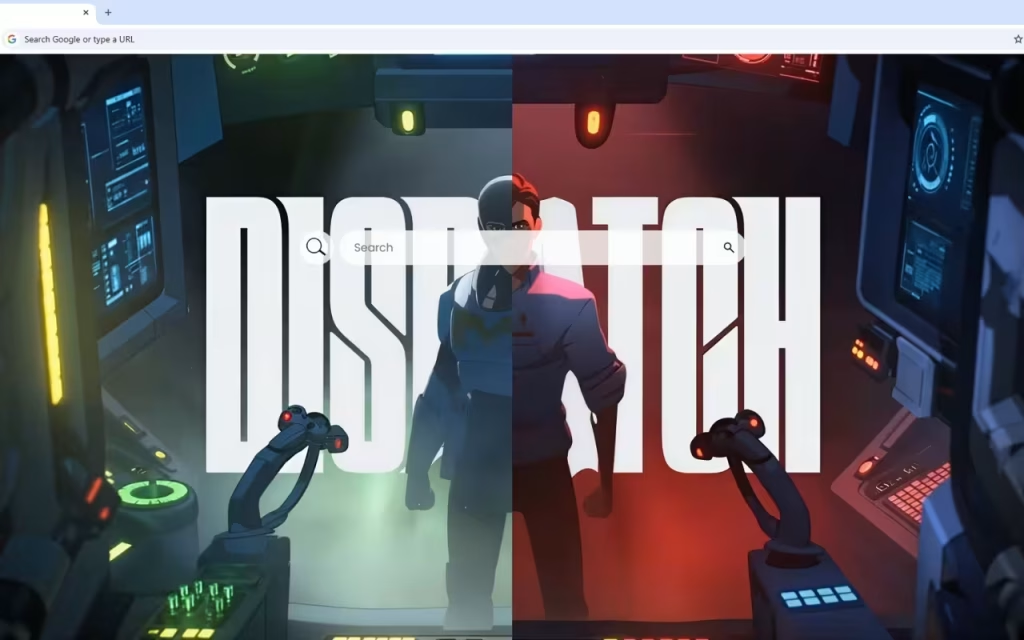
The Cool Zone (Left): The left side of your screen is bathed in cool tones. Green circular HUD (Heads-Up Display) elements pulse with digital life, flanked by vibrant blue tactical screens displaying grid patterns and complex data readouts. This represents calculation, analysis, and calm strategizing.
-
The Warm Zone (Right): As your eyes move across the screen, the color gradient shifts seamlessly. The right side blazes with intense red warning systems, amber indicators, and circular targeting interfaces. This is the zone of action, urgency, and critical alerts.
This seamless shift from cool green/blue to warm amber/crimson isn't just visually striking; it psychologically primes the user for balancing analytical thinking with decisive action.
A Technological Marvel: Holograms and Hardware
The futuristic control room feels alive. It is filled with glowing holographic displays that seem to hover in three-dimensional space. Advanced robotic arms, accented with glowing red sensors, flank the central operator, suggesting an environment where human intuition is augmented by machine precision.
Every surface is an interactive interface. Multiple workstations feature illuminated keyboards glowing in yellow, red, and blue, each dedicated to different streams of critical information. Every glowing panel suggests a world of high-stakes strategy and technological supremacy.
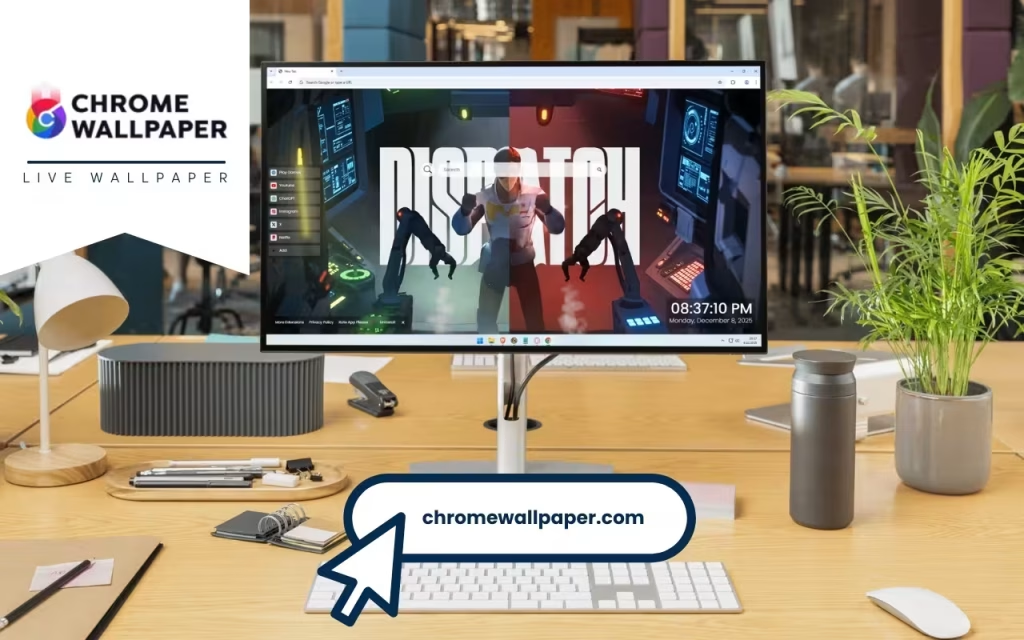
More Than Just a Pretty Picture: Your Digital Toolkit
A command center is useless without the tools to run it. The Dispatch New Tab extension ensures that form meets function, providing a suite of features designed to streamline your digital life directly from this high-tech environment.
Streamlining Your Workflow
Just as the operative in the background coordinates vast operations, you need to coordinate your browsing. The extension integrates essential tools seamlessly into the visual design:
-
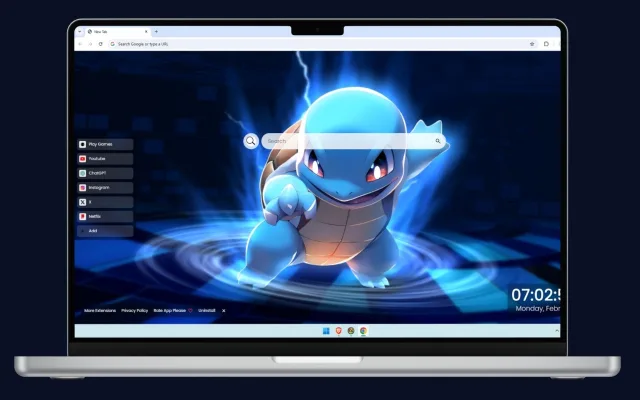
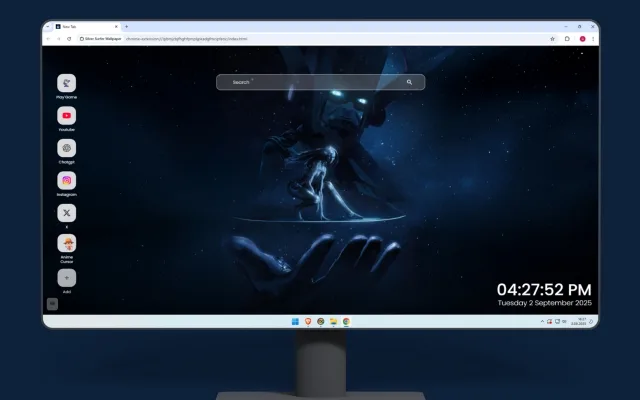
🔍 Search Bar: Positioned for easy access, the search bar connects seamlessly to your default search engine. It allows you to initiate queries without breaking the immersion of your command center.
-
🕒 Clock & Date: In a high-stakes environment, timing is everything. A modern, clean display of the current time and date ensures you are always oriented, preventing that all-too-common feeling of losing track of time while deep-diving into the web.
-
🔗 Popular & ➕ Custom Shortcuts: Speed is essential. The extension provides quick access links to major platforms like YouTube, Netflix, and ChatGPT. Furthermore, you can customize your console by adding your own favorite websites, creating a personalized dashboard of your most critical information streams.
Balancing Work and Play
Even the most dedicated operative needs a break from the tension. The Dispatch New Tab recognizes the need for balance.
-
🎮 Play Games: Built-in entertainment options allow for quick browsing breaks. Step away from the complex data readouts for a few minutes of casual gaming to refresh your mind before diving back into work.
-
🚀 More Extensions: Your command center is upgradeable. The "More Extensions" feature ensures that as your needs evolve, your digital environment can evolve with you, offering additional features to enhance your journey.
Cultivating Your Own Command Center Atmosphere
Why is this aesthetic so incredibly popular right now? The origin of this look can be traced back to decades of science fiction cinema and video games—from the rain-slicked interfaces of Blade Runner to the complex cockpits of mech simulators. We have grown up associating glowing blue screens and complex HUDs with competence and power.
Tips for Digital Collectors and Decorators
If you are drawn to the Dispatch Live Wallpaper aesthetic, you likely want to extend that feeling beyond just the browser tab. How do you create a physical space that matches this digital intensity?
Here are tips for collectors and enthusiasts looking to build their own "battlestation":
-
Synchronized RGB Lighting: The easiest way to match the on-screen visuals is with smart lighting. Use LED strips behind your monitor (bias lighting). Set the left side to a cool blue/cyan and the right side to a warm red/orange to mimic the gradient in the Dispatch wallpaper.
-
Peripheral Choices: Look for mechanical keyboards with customizable per-key RGB illumination. You can set specific zones of your keyboard to match the yellow, red, and blue illuminated interfaces seen in the wallpaper's workstations.
-
Screen Real Estate: A true command center relies on data visibility. A dual or triple monitor setup enhances the feeling of being surrounded by information, making the Dispatch New Tab feel even more immersive when opened across multiple screens.
Summary: The Dispatch Advantage
To understand the true value of upgrading your new tab experience, let's compare a standard setup with the Dispatch environment.
| Feature | Standard New Tab Page | Dispatch Command Center New Tab |
| Visual Impact | Minimal, often blank or static nature photos. | High-stakes, futuristic, dynamic Dispatch Live Wallpaper. |
| Atmosphere | Neutral, passive, sometimes uninspiring. | intense, capable, focused, strategic tension. |
| Color Palette | Usually bright white or flat grey. | Striking contrast of cool blues/greens and intense warm reds/ambers. |
| Functionality | Basic search and recently visited tiles. | Integrated command suite: Custom shortcuts, games, modern clock, and search. |
| Psychological Effect | A blank slate waiting to be filled. | An active hub priming the user for action and strategy. |
Take Command of Your Digital Experience
The digital environments we inhabit profoundly shape our mindset. A cluttered, boring desktop can lead to cluttered, uninspired thinking. Conversely, stepping into a space that screams capability, technological supremacy, and strategic focus can prime you for a more productive and engaging session on the web.
The Dispatch New Tab is more than just a decoration; it’s a statement. It’s a choice to enter your digital world not as a passive observer, but as an operative ready to coordinate operations in the command center of tomorrow.
Are you ready to trade the blank page for the glowing console of the future?
What is your ideal digital workspace aesthetic? Do you prefer the high-tension sci-fi look of the Dispatch center, or something more minimalist? Share your thoughts in the comments below!