Do you remember the sound? That triumphant, four-note orchestral chime. Do you remember the anticipation? Staring at a sleek black screen, watching a simple blue bar slide gracefully from left to right. For an entire generation, this was the gateway to the digital world. It was the iconic boot-up sequence of Windows XP, a process that promised connection, creativity, and a round of
3D Pinball.
That defining era of computing is back, but it’s been reimagined for your modern life. Experience the ultimate "blast from the past" with the new
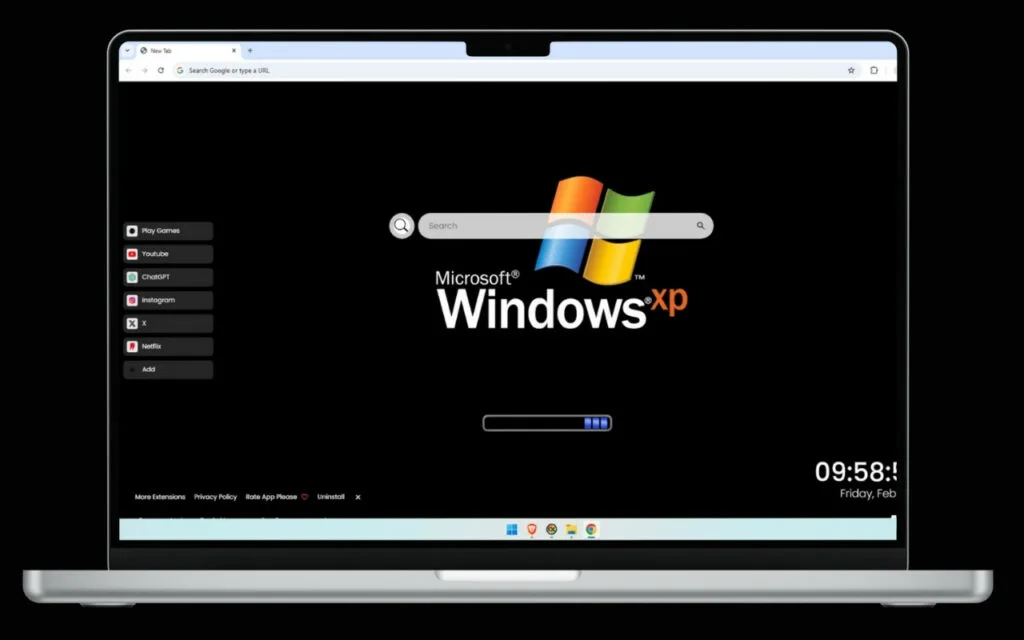
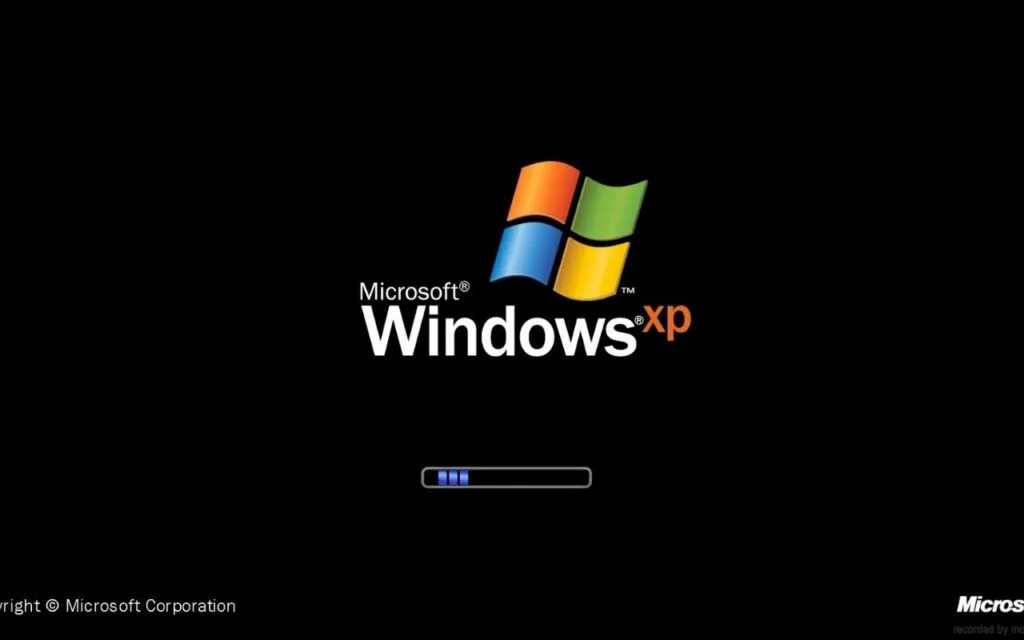
Windows XP Loading Live Wallpaper theme for your browser. This isn't just a static image; it's a dynamic experience. The iconic loading screen, featuring the timeless Windows XP logo with its distinctive four-colored flag, is set against that classic black background. And yes, it includes the signature blue loading bar, faithfully recreating the anticipation that defined an era.
This article dives deep into the profound nostalgia of the Windows XP experience, deconstructs why this specific loading screen became an icon, and explores how this powerful browser theme merges the past with the high-performance functionality you need today.
The Dawn of a Digital Age: Why We're So Nostalgic for XP
Before we explore the theme's features, we have to ask: why do we have such a deep, collective fondness for a 20-year-old operating system? The
Windows XP Loading Live Wallpaper is a direct tap into that nostalgia.
The Origin of an Era: What XP Meant to Us
Launched in 2001, Windows XP was a revolution. Its codename, "Whistler," aimed to do something magical: merge the rock-solid stability of the business-focused Windows NT/2000 kernel with the user-friendly, plug-and-play accessibility of the Windows 9x series (95, 98, Me).
The result was a smash hit. It was, for millions, their
first truly stable and personal computer experience.
- It was the gateway to the internet for a new generation. This was the OS that ushered in the age of broadband, social media (like MySpace), and massive online gaming.
- It was visually stunning. The new "Luna" theme, with its vibrant blue taskbar and the legendary "Bliss" wallpaper, was a radical, friendly departure from the boring gray boxes of the past.
- It just worked... for a very long time. With a record-breaking 12-year lifespan, Windows XP powered homes, schools, and businesses for over a decade. It became a reliable, familiar friend.
This
Windows XP Loading Live Wallpaper theme captures the very
beginning of that friendship—the moment of power-on.
The Psychology of the "Signature Blue Loading Bar"
In our modern world of instant-on phones and sub-five-second SSD boot times, we've lost something: the ritual of anticipation. That little blue loading bar wasn't a sign of slowness; it was a promise.
It was a quiet moment of transition. You’d hit the power button, go make a snack, and come back as the bar completed its journey. It was the digital equivalent of a kettle boiling or a curtain rising before a play. The
Windows XP Loading Live Wallpaper recreates this "calm before the click." The sleek black background creates a clean, focused space, and the animated loading bar gives a sense of dynamic, purposeful progress. It’s a retro-futuristic aesthetic that feels both nostalgic and incredibly clean.
More Than Just Nostalgia: A Functional Modern Command Center
This
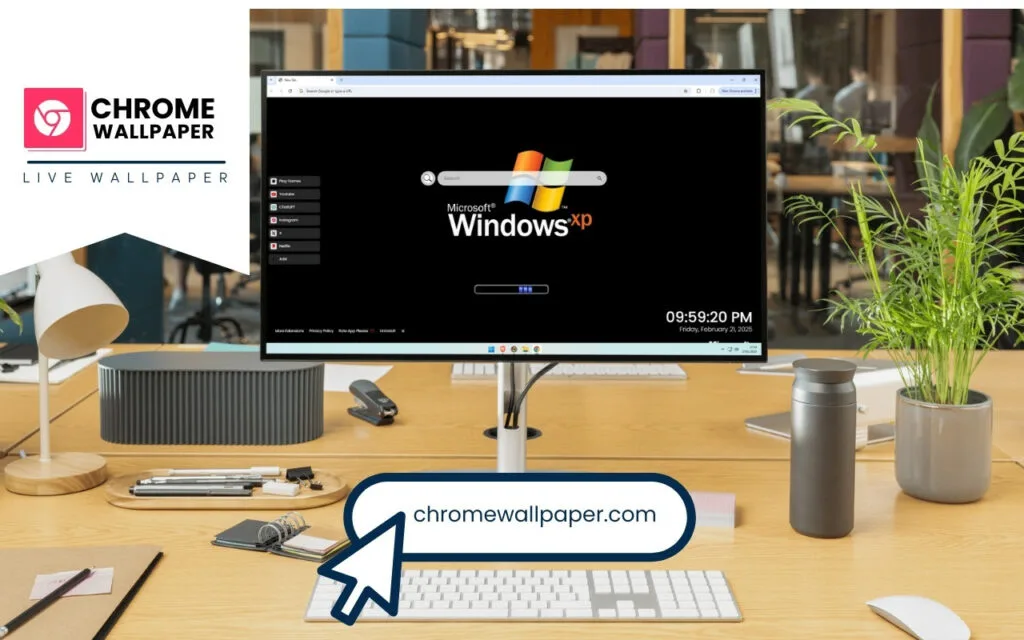
Windows XP Loading Live Wallpaper theme would be a great piece of nostalgia if it were just a picture. But it's not. It’s a high-performance dashboard that transforms your new tab page into a modern, productive command center.
It takes the clean aesthetic of the XP boot screen and infuses it with the tools you use every single day.
Your Digital "Start Menu," Reimagined
The theme organizes your digital life with a suite of built-in, customizable tools, all presented with a clean, minimalist overlay.
🔗 Quick Access Shortcuts: Get one-click access to your daily destinations. The theme comes pre-loaded with links to essentials like YouTube, Netflix, and ChatGPT.➕ Custom Shortcuts: This is your browser, your rules. Add your own favorite websites with ease, creating a fully personalized hub for your work, school, or social media.🔍 Search Bar: A central, non-intrusive search bar is seamlessly connected to your default search engine.
Essential Tools for the Modern Era
Beyond shortcuts, the theme provides quality-of-life features that integrate perfectly with the "classic" feel.
🕒 Clock & Date: A modern, easy-to-read digital display shows the current time and date, keeping you on schedule without cluttering the view.🎮 Play Games: Need a break? The theme includes built-in entertainment options. (And while it might not be 3D Pinball, it's a great way to recharge!)
A Perfect Blend: This theme proves that "retro" and "productive" can be the same thing. It gives you the clean, focused headspace of 2001 with the high-speed connectivity of today.
This table shows just how much of an upgrade this theme is compared to a standard, boring new tab.
| Feature |
Standard New Tab Page |
Windows XP Loading Live Wallpaper Theme |
| Visuals |
Blank white screen or generic logo |
Dynamic, nostalgic XP boot-up scene |
| Atmosphere |
Sterile, uninspiring |
Focused, nostalgic, and professional (sleek black) |
| Functionality |
Basic search bar, limited shortcuts |
Integrated hub with custom links, search, clock, & games |
| Personalization |
Low |
High (you can add your own ➕ Custom Shortcuts) |
| "X-Factor" |
None |
The satisfying "feeling" of the blue loading bar |
Tips for the Digital Collector: Curating the Perfect Retro Desktop
For the true nostalgia enthusiast, this
Windows XP Loading Live Wallpaper is the cornerstone of a fully immersive retro-tech experience. You can't just have a retro browser; you need the full setup!
How to Create a Cohesive "Classic Windows" Decoration
This browser theme is the "boot-up." Now, you need to theme the "destination"—your desktop.
- Get the "Bliss" Wallpaper: The perfect companion to this theme is the most famous photograph of all time: the "Bliss" wallpaper. Set your desktop background to that iconic image of the green hill and blue sky. The contrast between your browser's "loading" screen and your desktop's "logged in" screen completes the story.
- Hunt for Classic Icons: Take it a step further. You can find and apply icon packs for your modern OS that mimic the classic XP icons: the bright yellow folders, the old-school "My Computer," and the original Recycle Bin.
- The Sound of Music: (This one is for advanced users!) You can change your computer's system sounds. Imagine closing a window to the "critical stop" sound or getting a notification with the "tada.wav" chime. Hearing the classic Windows XP Startup sound when you turn on your PC is the final touch.
What Makes a Great Nostalgia Theme?
As a "digital collector," you're not just looking for a picture; you're looking for an authentic
vibe. What makes this
Windows XP Loading Live Wallpaper a top-tier collectible?
- Authenticity: It's accurate. It uses the correct logo, the right black background (not a gradient), and the proper "moving block" style of the blue loading bar.
- Subtlety: It's not a loud, garish mess. The sleek black background is minimalist and professional. It's a theme you can use at work or in a cafe without it screaming "I love old computers!"
- Functionality: It's not just "form." A true collector's item enhances, it doesn't hinder. Because this theme is also a functional dashboard, it adds value to your daily routine.
A Timeless Experience for a Modern Browser
The
Windows XP Loading Live Wallpaper is more than just a theme. It's a time machine. It’s a tribute to the operating system that introduced millions of us to the digital world, all while providing a fast, clean, and powerful interface for the modern web.
It’s the perfect blend of past and present, offering a daily dose of nostalgia without sacrificing an ounce of productivity. It proves that a "classic" is timeless for a reason.
What's your most vivid memory of Windows XP? Was it the
Bliss wallpaper, the "blip" sound of the MSN Messenger, or spending hours on
Minesweeper? Share your own "boot-up" memories in the comments below!